
AI Assistant for Documentation Sites
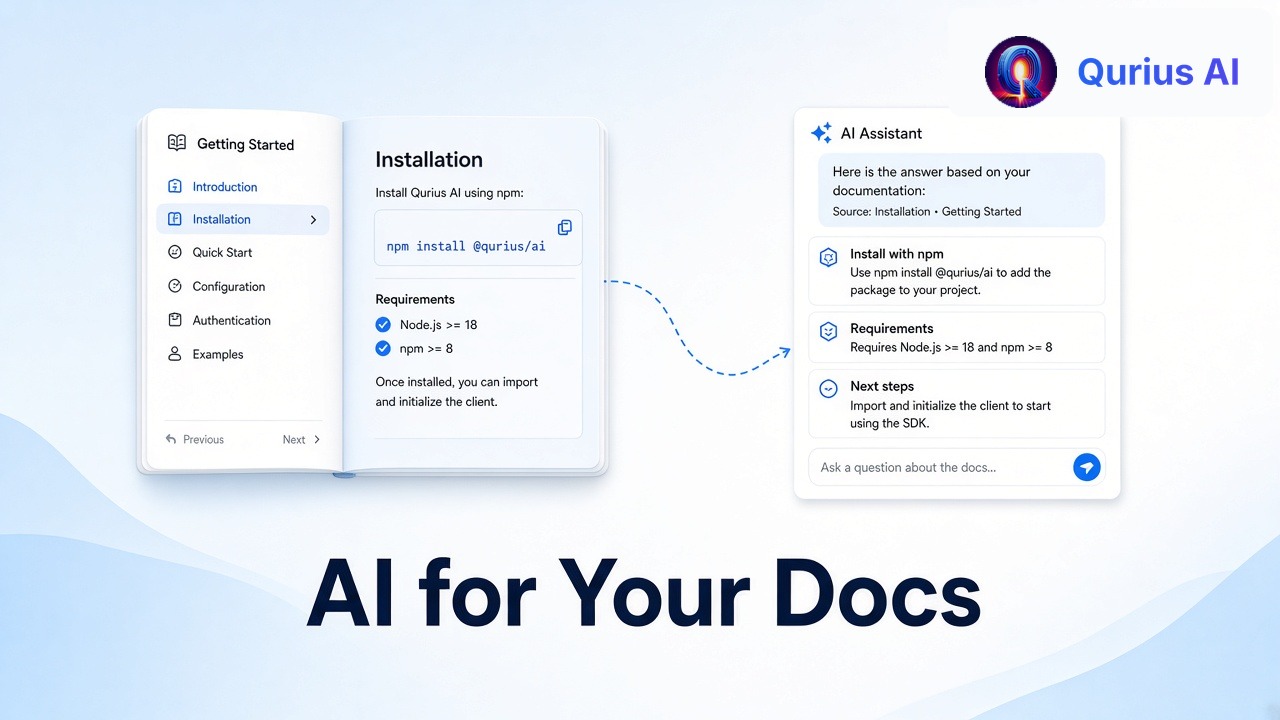
You wrote the docs. The answer is right there, on page 14 of the "Integrations" section. And yet the support email arrives anyway: "How do I connect Slack?"
This isn't a sign your docs are bad. It's a sign that search and navigation aren't how most people look for answers anymore. They want to ask a question in their own words and get a direct answer.
An AI assistant on your documentation site does exactly that, using the docs you already have.
Why customers miss answers that exist
They don't know your vocabulary. Your docs say "workspace members"; the customer searches for "add my team". Keyword search finds nothing.
The answer is spread across pages. "Can I export data on the Team plan?" needs the export guide and the pricing page. Nobody reads both.
Skimming is hard on long pages. A thorough reference page is great for experts and overwhelming for someone with one quick question.
It's faster to email you. If finding the answer takes more than a minute, writing to support feels easier. That's the ticket you were trying to prevent.
What an AI assistant changes
An assistant trained on your docs lets customers ask in plain language and answers directly, pulling from whichever pages are relevant.
- "How do I add my team?" finds your "workspace members" page anyway, because it matches meaning, not just keywords.
- Multi-page questions get one combined answer.
- The answer links to its source, so customers can read more and trust what they're told.
- It works 24/7 and in the customer's language.
You also learn something new: what people ask that your docs don't answer. That turns your support inbox into a docs roadmap. (See also how to reduce support tickets.)
What to look for
Not every chatbot is suited to documentation. Check these before you choose:
- Answers only from your content. A general chatbot will happily invent a setting that doesn't exist. Ask it something your docs don't cover and make sure it says so.
- Shows sources. Every answer should point back to the page it came from.
- Stays in sync with your docs. Docs change. Look for scheduled re-crawling, or at least an easy way to refresh.
- Has a human handoff. When the docs genuinely don't cover something, customers need a way to reach a person.
- Reports the gaps. A list of unanswered questions is the most useful output for your docs team.
- Installs simply. Ideally one script tag that works with your docs platform.
How to set one up with Qurius
- See it first. Enter your docs URL and Qurius builds a preview assistant from your pages in about a minute, no signup needed.
- Create your account and import your site. The free plan imports up to 10 pages a month; Starter crawls 50 pages three times a month, Growth 100 with a monthly re-sync, and Pro up to 1,000 re-synced twice a month. You can also add FAQs, and upload documents on paid plans.
- Test it with the questions your customers ask most, using "Test it live" in your dashboard.
- Install it by pasting one script tag into your docs site's footer. It works with plain HTML, React, Next.js, Vue, WordPress, Webflow, Framer and most site builders. (Step-by-step for common builders: add an AI chatbot to your website.)
- Review the gaps weekly. On paid plans, your dashboard lists the questions your content didn't cover. Add an answer once and your assistant uses it from then on.
Common questions
Will it replace our search bar? It doesn't have to. Many teams keep search for people who know what they're looking for and add the assistant for everyone else.
What if our docs are out of date? The assistant will repeat what your docs say, so outdated docs give outdated answers. The upside: unanswered and confusing questions show you exactly which pages to fix first.
Do we need engineering time? No. Adding the script tag takes a few minutes, and everything else happens in the dashboard.
Your docs already contain the answers. An assistant makes sure customers actually find them. Try it on your docs.