
Find Gaps in Your SaaS Help Center
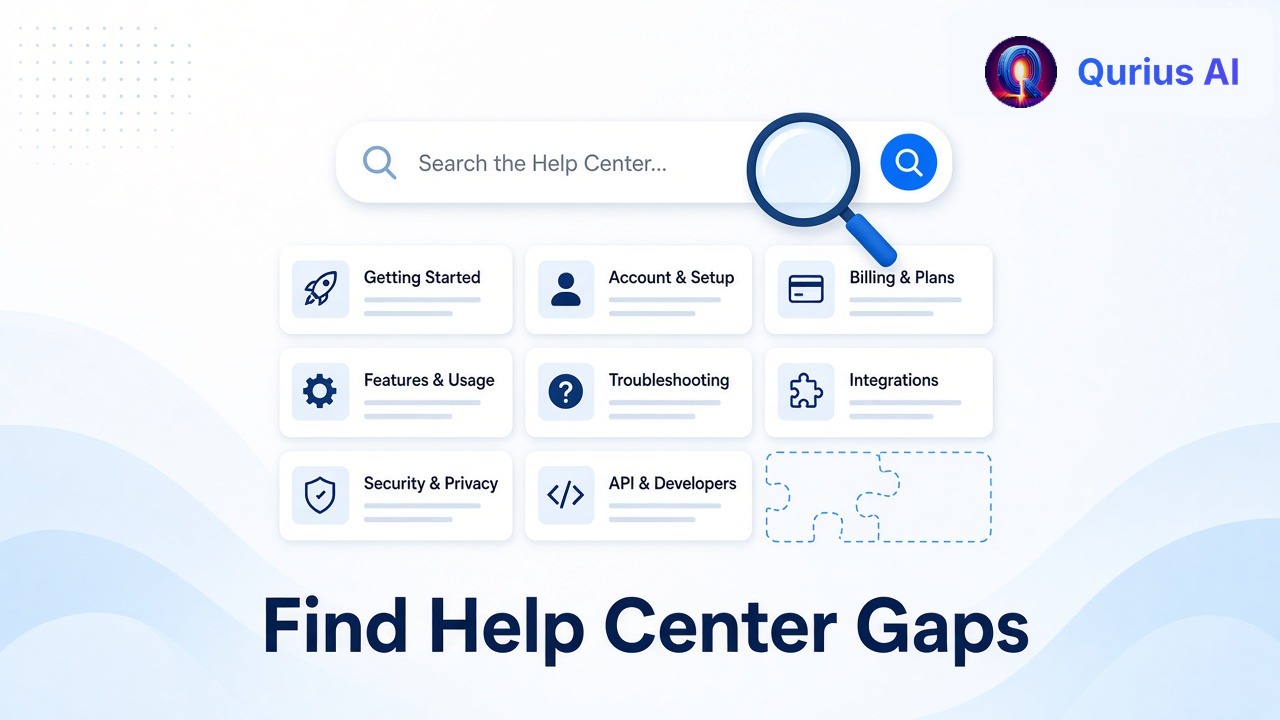
Most help centers grow by accident. Someone writes an article when a question comes up twice, and a year later you have 60 articles and no idea what's missing.
The missing articles matter most, because every gap becomes a support ticket. Here's a practical way to find them, whether you have an hour or an afternoon.
Step 1: Mine your support inbox (1 hour)
Your inbox is the most honest record of what your help center doesn't cover.
- Export or scroll through your last 100 support conversations.
- For each one, write the question in one short line, in the customer's words.
- Next to it, mark whether your help center already answers it: yes, partly, or no.
The "no" rows are your obvious gaps. The "partly" rows are just as important: the answer exists but customers can't find it or don't understand it.
Tip: if the same question appears five times, it's not a docs gap anymore. It's a priority.
Step 2: Check what people search for
If your help center has search, look at the search terms with no results or no click afterwards. Each one is someone who came looking and left without an answer.
Also notice the words people use. If customers search "cancel" and your article is titled "Managing your subscription", rename it or add the words they use.
Step 3: Test your docs with real questions
Pick 10 questions from Step 1, including some you're confident are answered. Then try to answer each one using only your help center, as a customer would: start from the home page or search, with no inside knowledge.
Time yourself. If an answer takes more than a minute to find, treat it as a gap. Customers give up faster than you do.
Step 4: Group gaps by type
Not all gaps need the same fix:
| Gap type | What it looks like | Fix |
|---|---|---|
| Missing answer | No article covers it | Write a short article |
| Hidden answer | The article exists, but nobody finds it | Retitle it, use customer words, link it from where the question comes up |
| Confusing answer | Customers read it and still ask | Rewrite with steps and screenshots |
| Product problem | The question exists because the UI is unclear | Fix the product, then update the docs |
The last type is the most valuable. If 20 people a month ask where to find their invoice, a better link in your app beats any article.
Step 5: Track gaps continuously
A one-time audit goes stale quickly. You need a way to see new gaps as they appear.
An AI assistant on your docs or website is the easiest way to do this. Customers ask in their own words, and every question it can't answer from your content is, by definition, a gap.
In Qurius, paid plans show these in your dashboard as a list of questions your content didn't cover. Add an answer once, and your assistant uses it from then on. You can try it on your site to see what it can and can't answer from your current pages.
A simple monthly routine
- Review the top 5 gaps from your inbox, search data or assistant.
- Fix the top 3: write, retitle or rewrite.
- Pick one product fix for a question that shouldn't need docs at all.
- Check last month's fixes: did those questions stop coming in?
An hour a month keeps your help center matched to what customers actually ask, and each gap you close is a ticket you never have to answer again. For more ways to cut the load, see how to reduce support tickets.